Home

/

Hatches

/

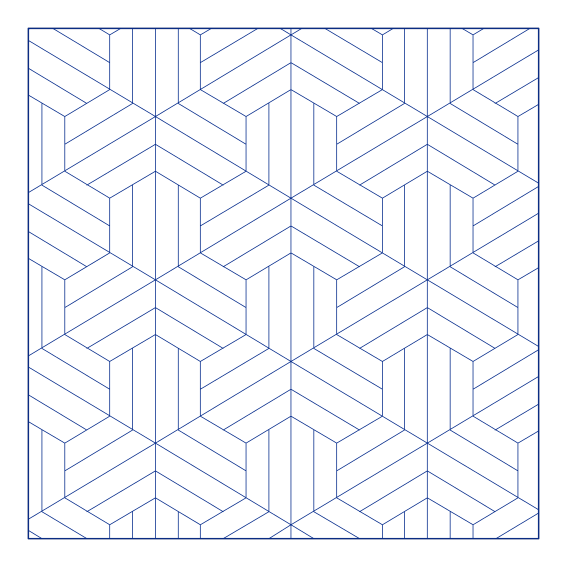
Tile Decor 01 | Hatch

Tile Decor 01 | Hatch - CAD hatch pattern

Tile

·

Seamless repeat, drawn as line work

·

AutoCAD, Revit and Rhino

pat

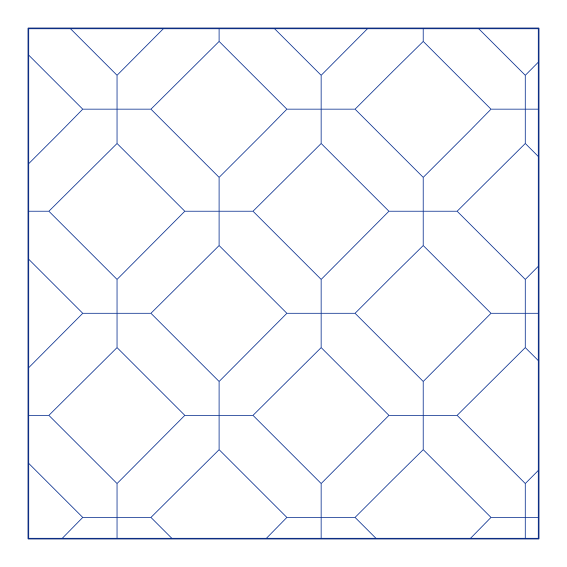
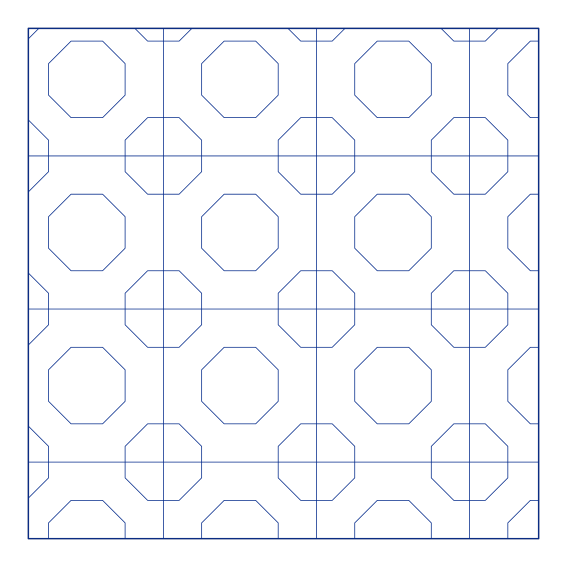
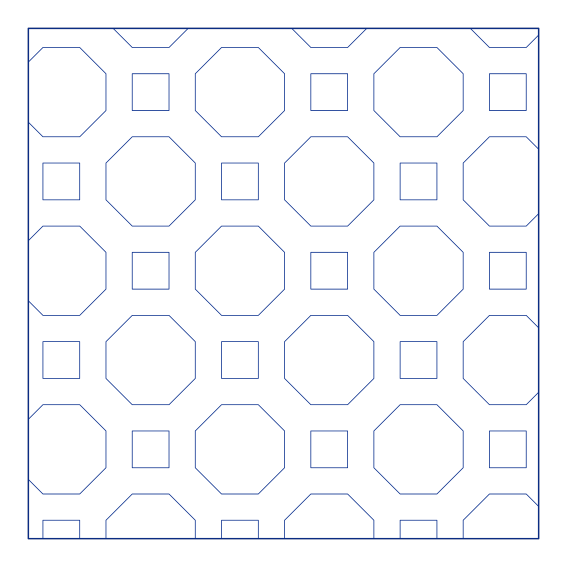
Tile Decore 01 hatch pattern — tile fill, PAT file for AutoCAD, Revit and Rhino

Download this pattern

One file, and it loads into AutoCAD, Revit and Rhino alike.

.pat

Hatch definition

$2.99
/ month

The Hatch plan covers every pattern in the library, with unlimited downloads. Premium includes them too, along with the blocks.

Download this pattern

Downloads need a plan. Either plan covers this one.

.pat

Hatch definition

$2.99
/ month - Hatch plan

Download

Opens in a new tab. Loading it into your software takes a minute — the instructions are further down this page.

Something wrong with a file? Tell us and we will fix it.
About hatches

A hatch is a graphic fill pattern used in design and modelling programs such as Rhino, AutoCAD, and Revit to represent materials, textures, or surfaces in drawings. Hatches help convey information visually, for example, differentiating concrete from wood, or showing ground, water, or vegetation in plans and sections.Each hatch file defines a repeating pattern that can be applied to 2D or 3D geometry, and scales automatically based on drawing size or detail level. While a hatch may have a specific name, such as “brick” or “gravel,” it can be adapted for many different purposes. A single pattern can symbolize a wide range of materials, depending on the context and the designer’s intention.Hatch patterns are lightweight, flexible, and essential for maintaining clarity and consistency across architectural and design drawings.

Using it

Loading a .pat file

AutoCAD

Put it on the support path

Save the .pat into a folder AutoCAD reads, set under Options, Files, Support File Search Path, then restart. Run HATCH and the pattern sits at the bottom of the pattern gallery, under the ones that ship with the program. Two rules decide whether it turns up at all: the file has to carry the same name as the pattern inside it, and the definition needs a blank line after its last line.

Revit

Import it as a fill pattern

Manage, Additional Settings, Fill Patterns. Pick Drafting for a pattern that stays the same size on the sheet or Model for one that scales with the building, then New, set Type to Custom and Browse to the file. If Revit answers that it found no patterns of that type, the file is missing its;%UNITS and ;%TYPE header lines — Revit reads those, AutoCAD ignores them.

Rhino

Import it into the document

File, Properties, Hatch, then Import and point it at the .pat. Tick the pattern in the list that appears and it turns up in the Hatch command for any closed curve. It is a document setting rather than a program one, so import it into your template if you want it in every new file.

All three routes end in the same place: a named pattern in your software's own hatch list, not an image dropped on top of the drawing. It stays editable, it scales with the view, and it weighs almost nothing — which is the work a hatch does that an image never will.

Scale is the thing worth checking afterwards. A pattern spaced for a plan at 1:50 fills in solid at 1:500, so set the hatch scale to suit the drawing rather than leaving it at the default and deciding the pattern is wrong. It is the single most common reason somebody downloads a hatch, tries it, and concludes the file is broken.

Get the Hatch plan — $2.99/mo

Unlimited .pat downloads. Premium includes every hatch too.

Get the Hatch plan — $2.99/mo

Unlimited .pat downloads. Premium includes every hatch too.